Friday, February 19, 2016

HDR Photography


1. What does HDR stand for?
     High Dynamic Range


2. In your own words, explain what makes an HDR photo an HDR photo?
     very rich colors, shadows are exaggerated

3. What is bracketing?
     is the general technique of taking several shots of the same subject using different camera settings.

4. What software can you use to produce an HDR image?
     Lightroom

5. When selecting layers, what do you have to be careful about when creating your HDR photos?
     The key is to not go to the extreme and combine dozens of photos leaving every pixel of the photo well exposed. Leave room for natural shadows and use moderation when combining images.
Smugmug:
How do you add Content Blocks to your site?
drag and drop it from your customize drawer

What are the eight different types of content you can add?
Galleries, photos, navigation, video, design, text, social, discovery, services, HTML & CSS

When you add photos to SmugMug, which are the FOUR different ways you can organize and display them? Briefly explain what each method does.
single photos- a single image
Multiple image- more than one photo in a form of gallery or folder
slideshow- multiple images automatically switch
carousel-

What are the THREE different types of Navigation items you can add to your SmugMug account? Briefly explain what each does.
Menu- building a navigation bar with links to other pages on your site
Breadcrumb- it revels links between homepage
Featured Events- feature an event on any any page you create

What are the THREE kinds of design elements can you add? What do they do?

logo - includes your logo an brand 
separator- it helps to site viewers eyes 
spacer - add spacing between content block to give more room
What "Colorspace" should your images be processed in to be uploaded to SmugMug?
sRGD color space
Should you crop your images before uploading to SmugMug? Why?
proof delay, cause others could cause confusion

What is the minimum resolution size for an 8" by 10" print?
750x935

Friday, February 12, 2016


Tip 1: "consider the sky"

Tip 2: "change your point of view"

Tip 3: "maximize your Depth of field" 
List:
-camera
-tripod
-wide lens

Pictures I like:
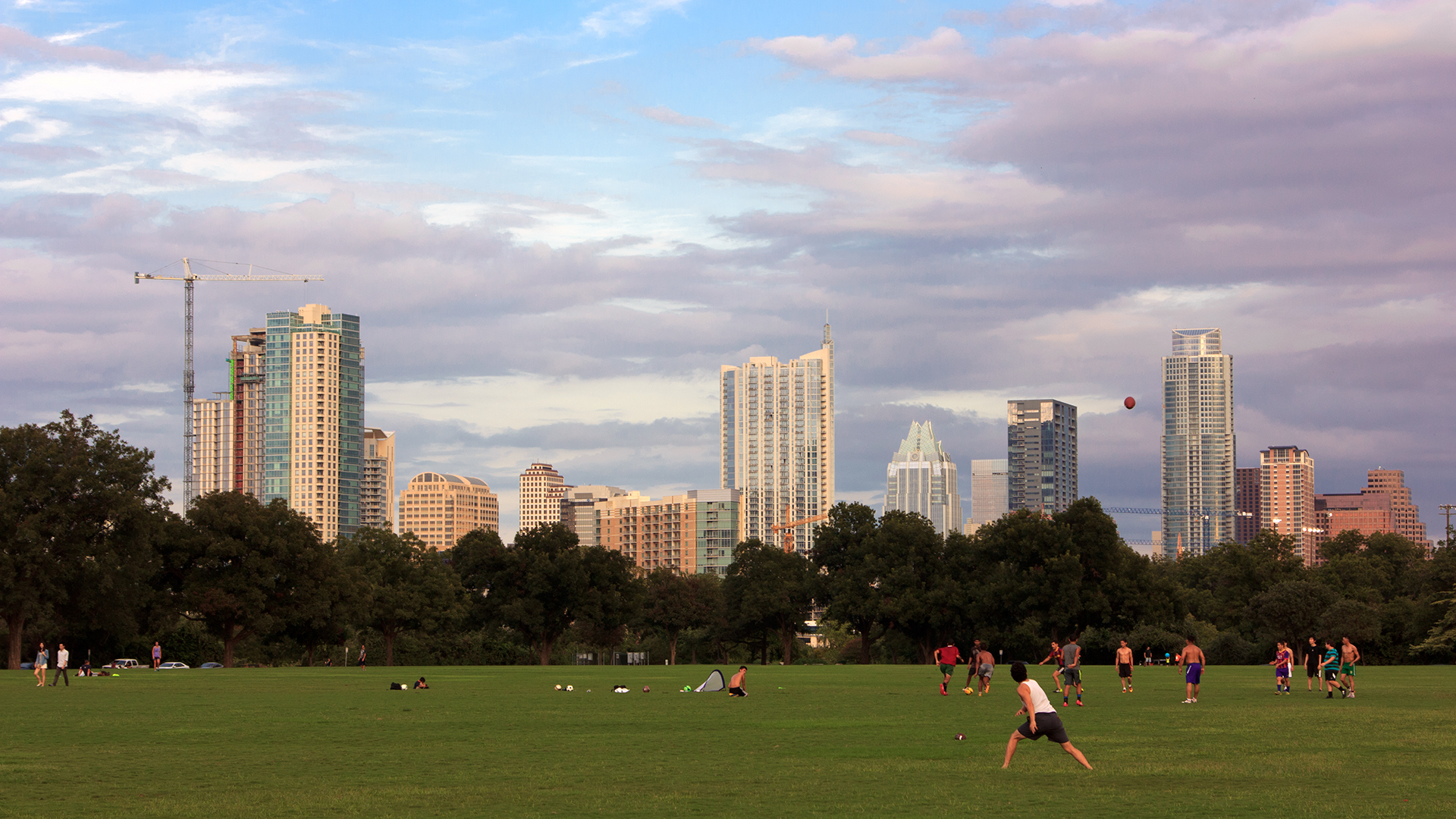
austin stock photography,austin cityscape,skyline of downtown austin,austin texas


where i wanna take pictures:

Monday, February 8, 2016

Image 1 - shadowless - just the fill light
Image 2 - Butterfly with just the key light 
 Image 3 - Broad with just the key light
                                                   
Image 4 - Rembrandt with just the key light 
Image 5 - Split with just the key light 
 Image 1 - shadowless - just the fill light
                                                  
 Image 2 - Butterfly with a key and fill light
                                                  
 Image 3 - Loop with a key and fill light
                                                   

 Image 4 - Rembrandt with a key and fill light
                                                   
Image 5 - Split with a key and fill light 
Image 1 - shadowless with a fill light and a background light 
Image 2 - Butterfly with all three lights 

 Image 3 - Loop with all three lights
                                                   
Image 4 - Rembrandt with all three lights 

 Image 5 - Split with all three lights
                                                   

Tuesday, January 19, 2016

Fill light - Fill is used to lighten shadows and control Contrast and Lighting Ratios

Key light(main light)- may determine the character of the lighting like the mood 

Hair light - limited to the top of the head background light.

Shadowless- every angle is evenly light. 

Hard light - A relatively small, direct, usually focusable source, with or without lens, that produces strong High-lights and dark shadows.

Soft light- Diffused, Bounced, indirect light; the opposite of Hard Light.

Grey card-reflectance card used instead of a subject for a Reflected Light Meter reading.
Reflector- Variously shaped "bowls"  that shape and intensify a lamp's Beam.

Diffuser- A Translucent material placed in front of a Light to soften Highlights and Shadows, reduce Contrast and increase Beam Angle.

Intensity- The "strength" of the Incident Light.

Background light-Reveals the character of the background and helps separate it from the subject.